Two ways to make a birthday video
1. Downloadable video
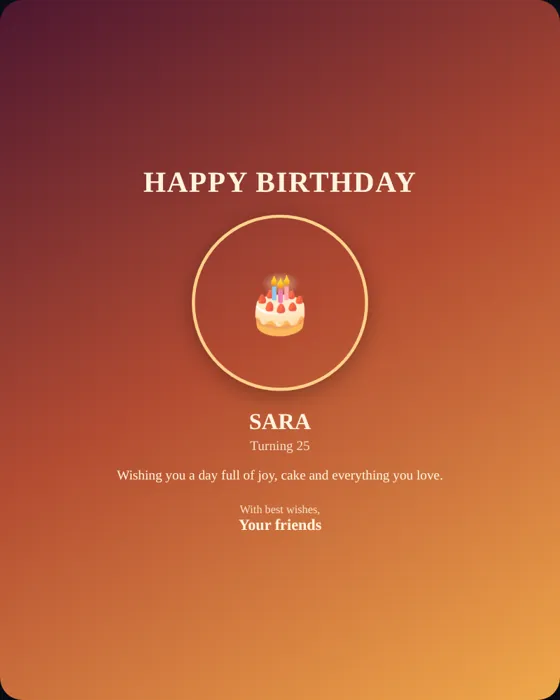
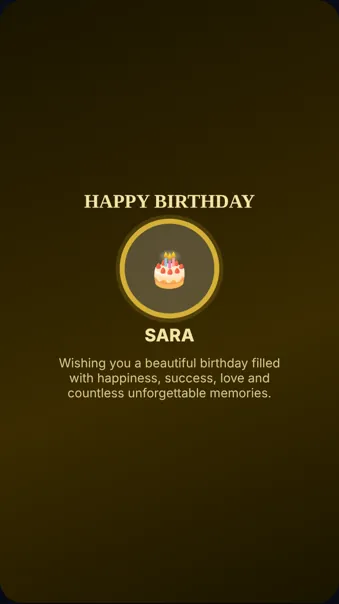
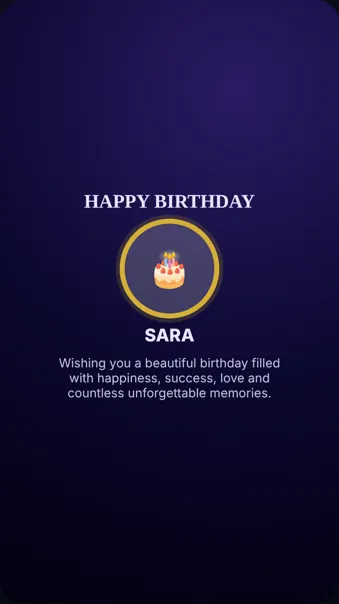
Design a poster with a name, photo and message, add an effect and download a 6-second looping video (MP4 on browsers that support it, WebM otherwise). Ideal for WhatsApp status and stories.
2. Photo slideshow with music
Create an animated wish with up to ten photos, four transition styles and your own song. It plays from a private link rather than a downloaded file, and includes a cake ceremony and message.
How to make the downloadable birthday video
- Open the poster generator and add a photo, name and message.
- Pick a template and an effect.
- Press Preview Animation to check how it moves.
- Press Download Video. It is generated in your browser.
The video shows the animated poster; it does not include music.
How to make a birthday slideshow with music
- Open the wish creator and add a main photo.
- Add up to ten memory photos and choose fade, zoom, slide or cinematic transitions.
- Choose seconds per photo: 3, 5, 7 or 10.
- Upload a song and set where it starts and ends.
- Generate and share the link.
See our photo tips for choosing and ordering pictures.
Which should you choose?
| You want… | Use |
|---|---|
| A file to post on a status or story | Downloadable poster video |
| Music and a personal photo story | Animated wish link |
| A surprise that unlocks on the day | Animated wish link with time lock |
Frequently asked questions
Can I make a birthday video with photos and music for free?
Yes. Build a photo slideshow with your own song as an animated wish link, free and without sign-up.
Can I download the slideshow as an MP4?
No. The slideshow plays from a link. The downloadable video is a 6-second animated poster.
How long is the downloadable video?
About six seconds, looping.
Which format is the video?
MP4 where your browser supports recording it; otherwise WebM.