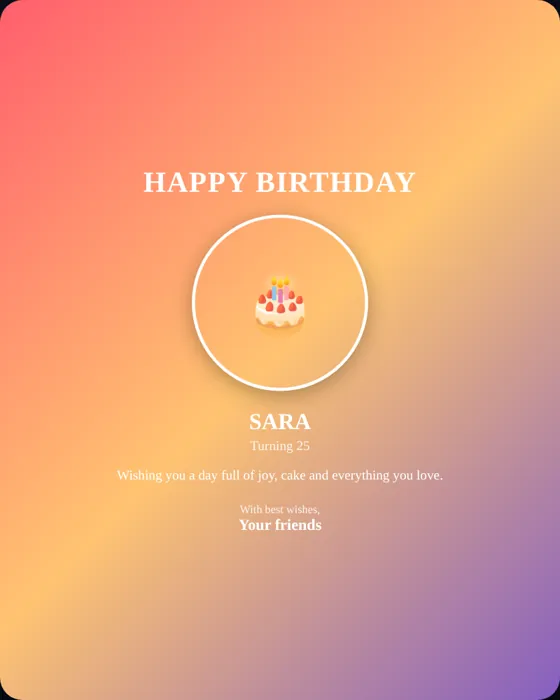
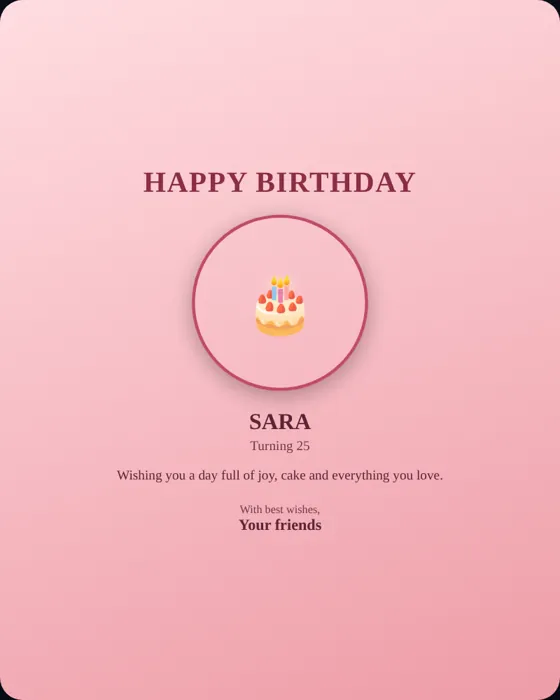
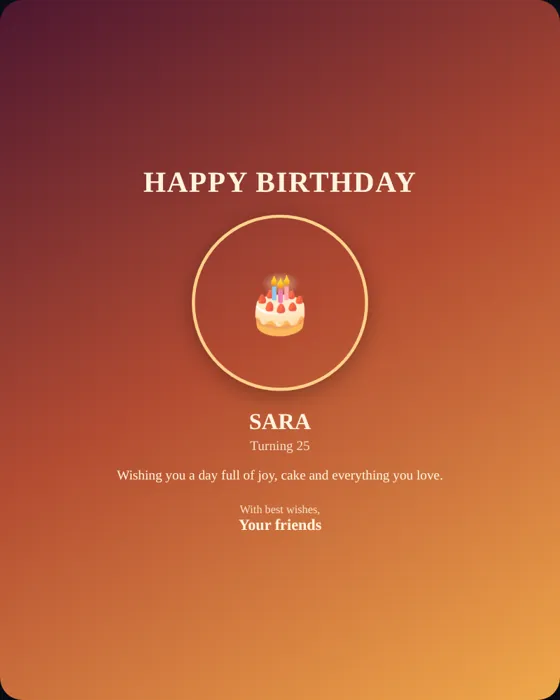
How to make an animated birthday GIF
- Open the poster generator and upload a photo.
- Type the name and write a short message.
- Choose a template and an effect: balloons, confetti, sparkles or hearts.
- Press Preview Animation to watch the loop full-screen.
- Press Download GIF. The GIF is built in your browser, so it may take a few seconds.
About the GIF
- Output is 480 pixels wide and loops forever, which keeps the file small enough to share.
- The GIF shows your poster design with the animated effect; it does not include sound.
- For a smoother, higher-quality clip, use the video export instead.
Tips for a good birthday GIF
- Keep the message short; text on a small animation must be readable at a glance.
- Choose high contrast: light text on a dark template, or the reverse.
- Use one effect, not several, so the photo stays clear.
- Test it in the chat app where you will send it; some apps convert GIFs to video.
For layout and color advice see our poster design guide.
Frequently asked questions
How do I make a birthday GIF with a name?
Open the poster generator, enter the name, add a photo and message, choose an effect and press Download GIF.
Is the GIF free and without sign-up?
Yes. It is created in your browser and does not require an account.
Can I add music to the GIF?
GIFs cannot contain sound. To share music with the birthday person, create an animated birthday wish page and upload a song.
Why did WhatsApp turn my GIF into a video?
WhatsApp often converts GIFs to short looping videos. It still loops and plays automatically.