Make a birthday poster in four steps
- Add a photo. Choose a portrait and use the zoom slider to center the face.
- Enter the name (and age, if you want it shown).
- Write or pick a message. Start from a preset such as friendly, professional, heartfelt, short, funny or blessing.
- Choose a template, then download. Export as a 1080 × 1350 image, a short video or a GIF.
What you can customize
| Option | Choices |
|---|---|
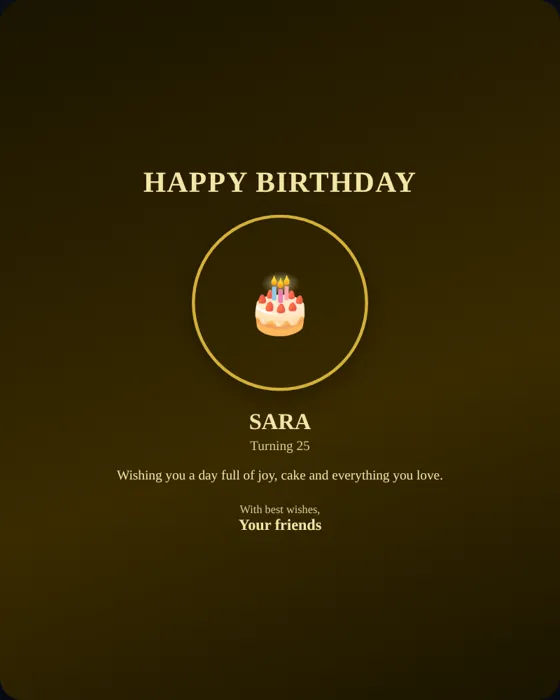
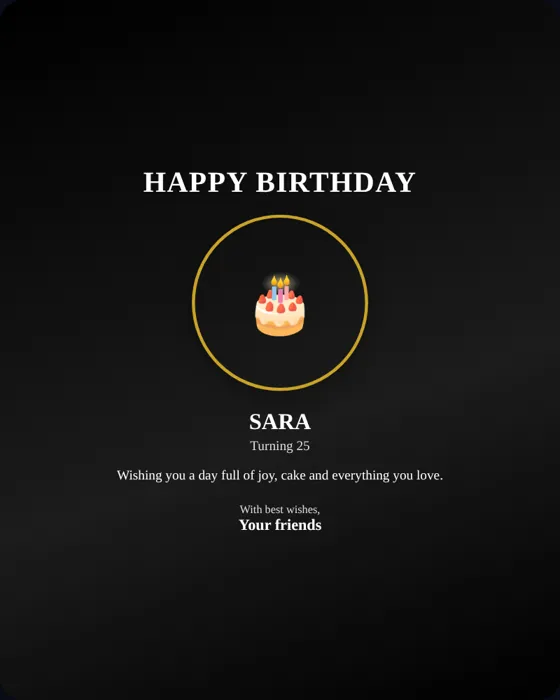
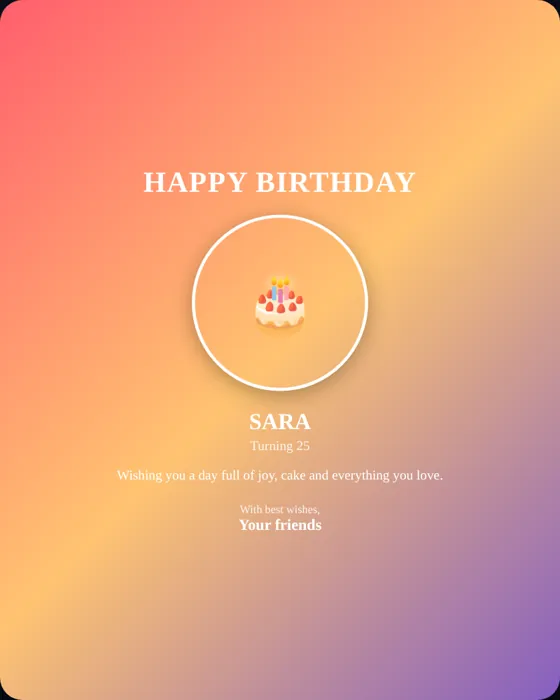
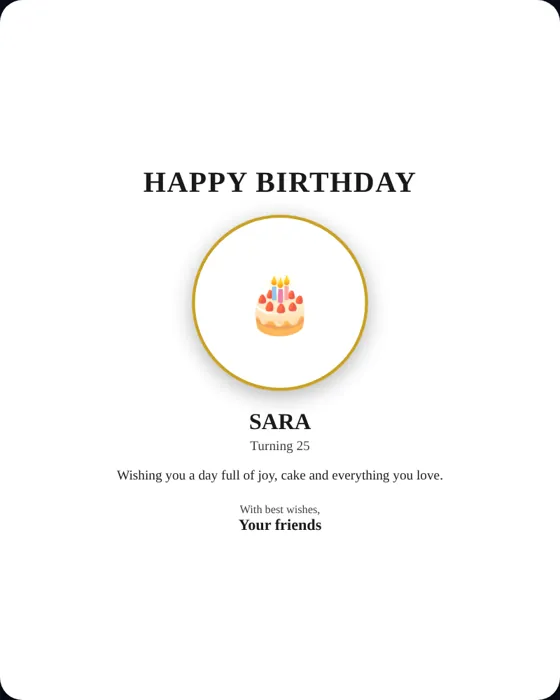
| Templates | Nine, including Elegant Gold, Luxury Black, Colorful, Minimal White, Romantic Pink, Royal Blue, Sunset Glow, Emerald and Lavender |
| Photo shape | Circle, rounded or square, with zoom control |
| Fonts | Elegant serif, clean sans-serif or playful mono |
| Alignment | Centered or left-aligned text |
| Effects | Balloons, confetti, sparkles, hearts or none |
| Exports | PNG image, looping video, GIF |
Where to use your poster
The 4:5 portrait size suits Instagram and Facebook posts, WhatsApp status and family group chats. It also prints well at small sizes. Our birthday poster design guide explains how to choose colors, fonts and message length so the result looks professional.
Poster maker vs. animated birthday wish
A poster is a single image you can post or print. If you want music, a cake ceremony and a photo story, make an animated birthday surprise instead, and send the poster as a bonus.
Frequently asked questions
Can I make a birthday poster with a name and photo for free?
Yes. Enter the name, add a photo and download the poster without paying or signing up.
What size is the poster?
1080 × 1350 pixels (4:5), which suits phone screens and social feeds.
Can I animate the poster?
Yes. You can export a short looping video or a GIF with effects such as balloons, confetti, sparkles or hearts.
Are my photos uploaded to a server?
The poster is generated in your browser. See the privacy policy for what is stored when you create a shared wish link.